Sermon & teaching workspace
Shape your passage, Big Idea, main points, outline and manuscript together, without AI writing your message.
Your passage. Your preparation. Your words.

An AI-free workspace to prepare sermons, study Scripture (KJV and WEB), plan a series, and preach from Preach Mode — with bookmarks, a timer, and presenter notes that stay off the projected screen.
Visit TheMinistryStudy.com See all features Compare options
Want to help shape it? Become a beta tester: approved testers get 30 days, separate from the free trial.

Built for your ministry
For pastors, preachers, Bible teachers, small-group leaders and ministry speakers.
Shape your passage, Big Idea, main points, outline and manuscript together, without AI writing your message.
Plan a series week by week, or keep a message on its own. Move teachings into, between or out of a series at any time. On My Study, a Your series card lists current, upcoming and recent series.
Read KJV and WEB side by side, highlight and comment on verses, and add Scripture straight into your manuscript.
Insert ready-made sections and watch a live outline build beside your writing, with your Big Idea always in view.
Large adjustable type, light or dark, bookmarks, a timer with alerts and private presenter notes that never appear in projection, print or exports; track each sermon in a series from not started to preached.
Write episode notes in the same editor as your teaching, keep episodes in their own Podcasts folders, and record from one large segment at a time with timers and chapter markers.
Folders, templates, illustrations, notes and prayer requests, plus a Trash that keeps deleted work for 30 days.
Plan sermon dates, studies and guest speakers on the Preaching Calendar, and schedule dated, repeating ministry tasks with Add new task and View all tasks on My Study.
Print pulpit pages, export PDF or Word, send your Big Idea and main points to your team, and download a study backup.
Choose a light or dark look for the app in Settings. Bible day and night reading is its own separate setting.
New in The Ministry Study
For pastors who also podcast: write episode notes in the same editor as your teaching, starting from a Solo teaching, Interview or Co-host structure (headings only, nothing written for you), or turn an existing teaching into a new episode without changing it.
Podcast Mode shows one large segment at a time with the next one previewed, a segment timer and a total timer, guest questions to tick off, an episode checklist and chapter markers you drop while recording.
Episodes live in their own Podcasts section with podcast-only folders, kept apart from your sermon folders. Copy or download chapters and show notes.
Podcast tools are on by default and can be turned off in Settings → Features without losing any episodes.
Your work, kept in your own Google Drive.
New pastors connect it right away; existing pastors get 15 days’ notice. Downloads (Word/CSV) always keep working.
Sermons (including full text), notes, illustrations and pictures go to Drive folders that match Teaching. Podcast episodes get their own Podcasts folder tree, kept apart from Teaching. Every copy is checked.
Only when a study is over 250 MB, items untouched for 90 days move to your Drive, text included, after a checked copy and a 7-day wait.
Unpublished and upcoming podcast episodes, scheduled sermons, favorites and anything marked Keep Active stay in The Ministry Study.
A shadow of each moved item stays in The Ministry Study. Use Import back on the shadow or from Ministry Vault search. Until imported, moved work can’t be word-searched or preached.
It uses your own Google Drive at no extra cost from us.
Take a look inside
Actual product screens with fictional demo content, not customer data.
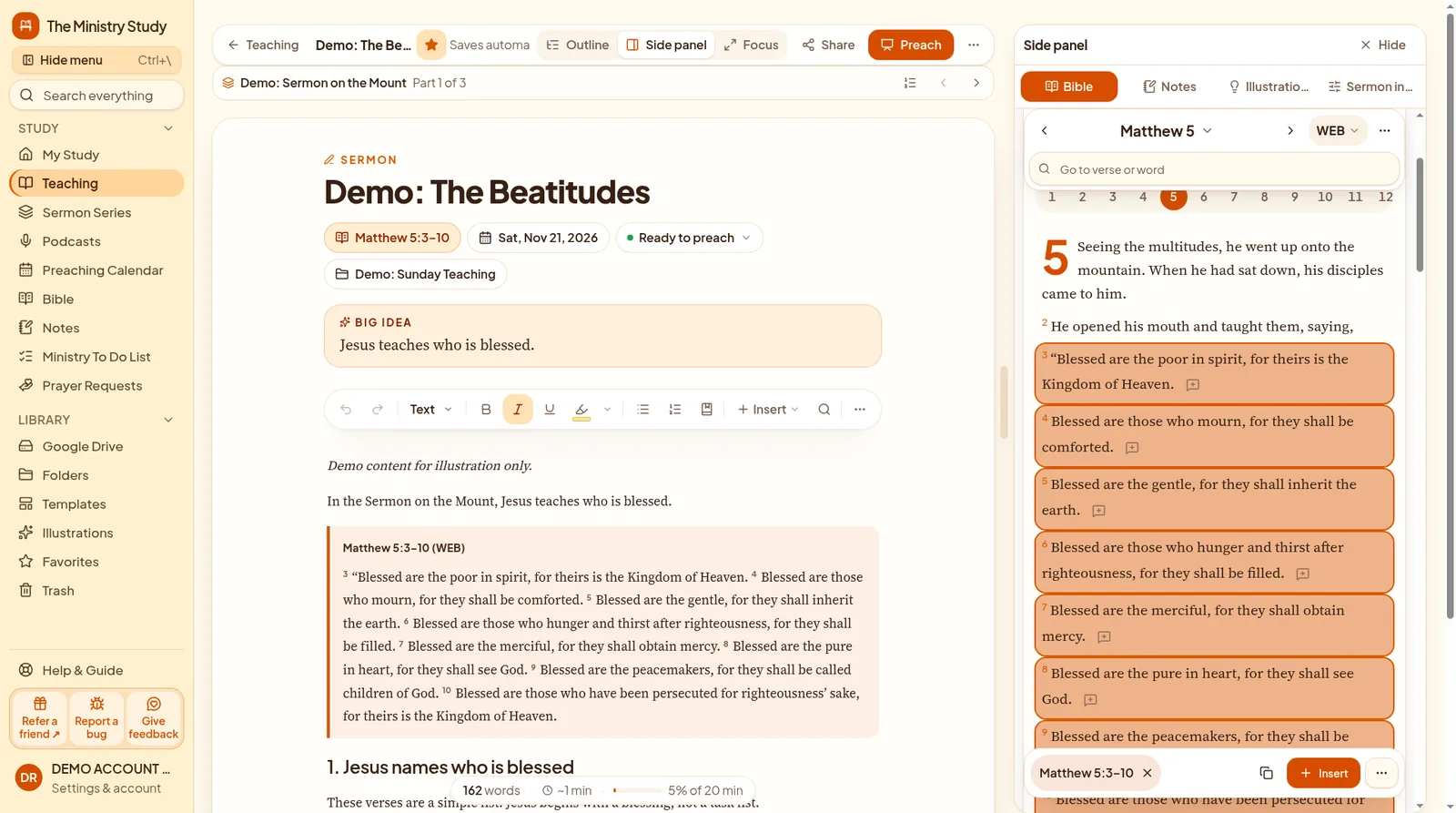
The sermon editor with a fictional demo sermon, Scripture and Big Idea.
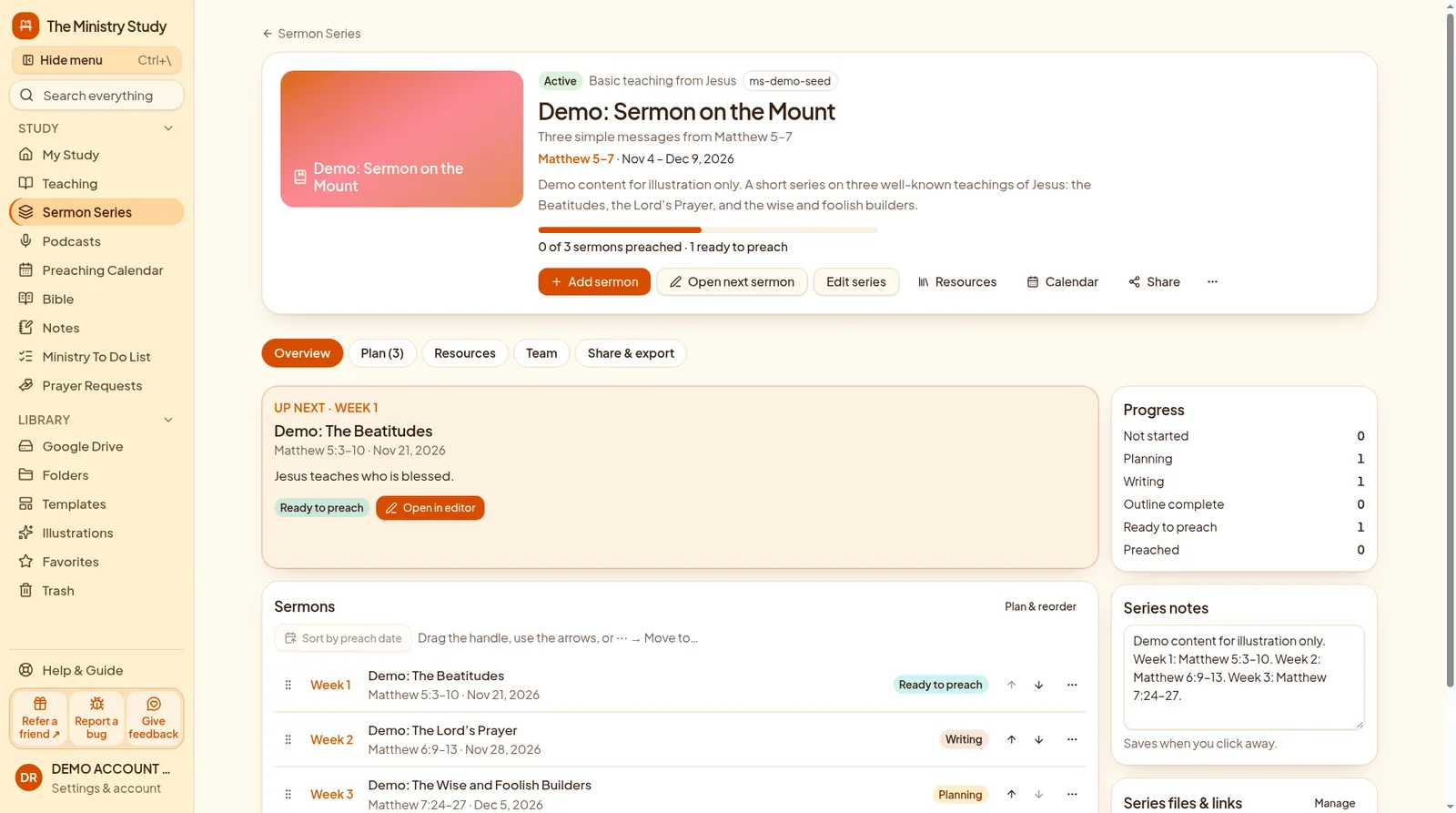
A Sermon Series overview with dates and sermons from a fictional demo account.
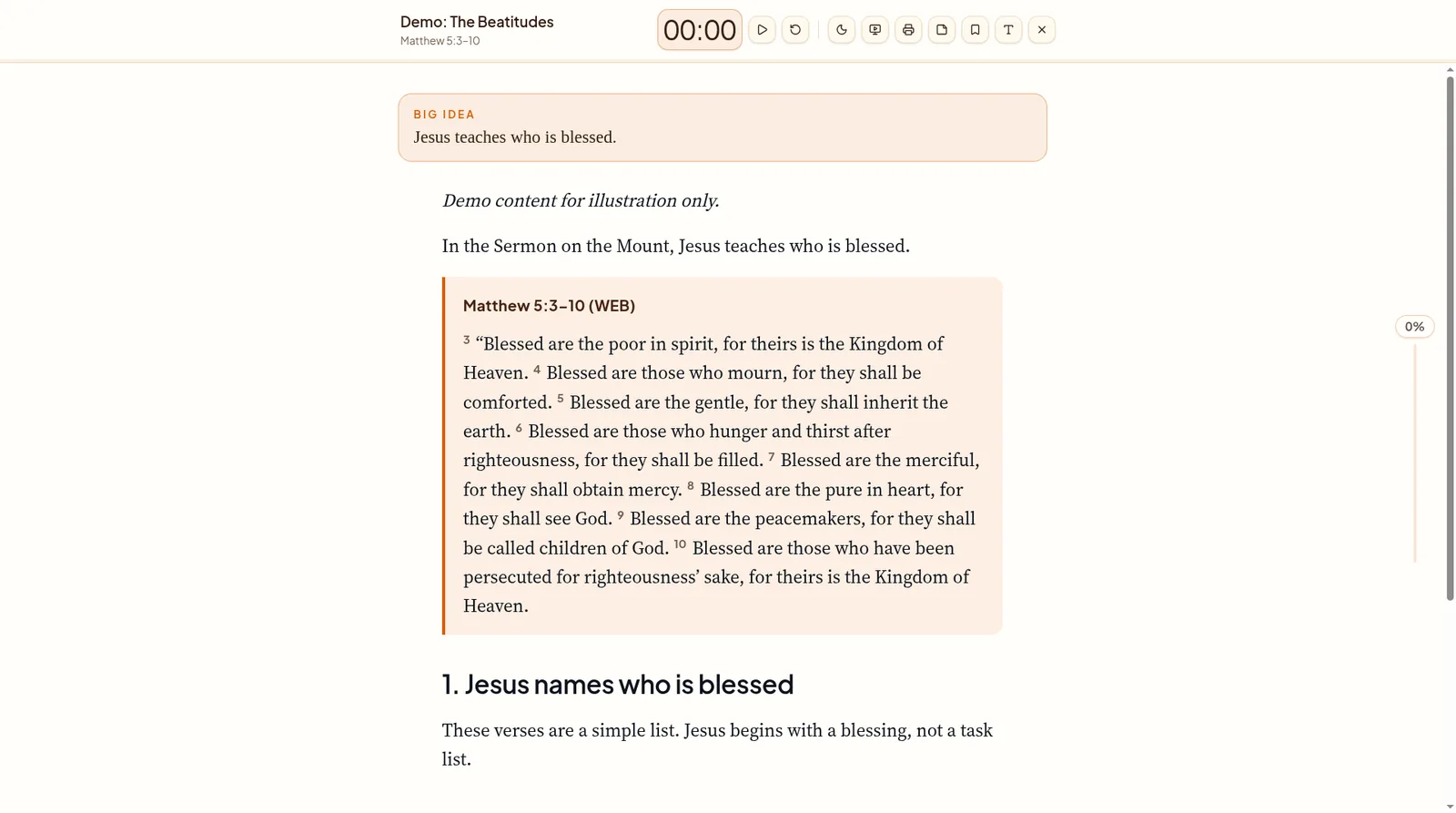
Preach Mode with a fictional demo manuscript in large, readable type.
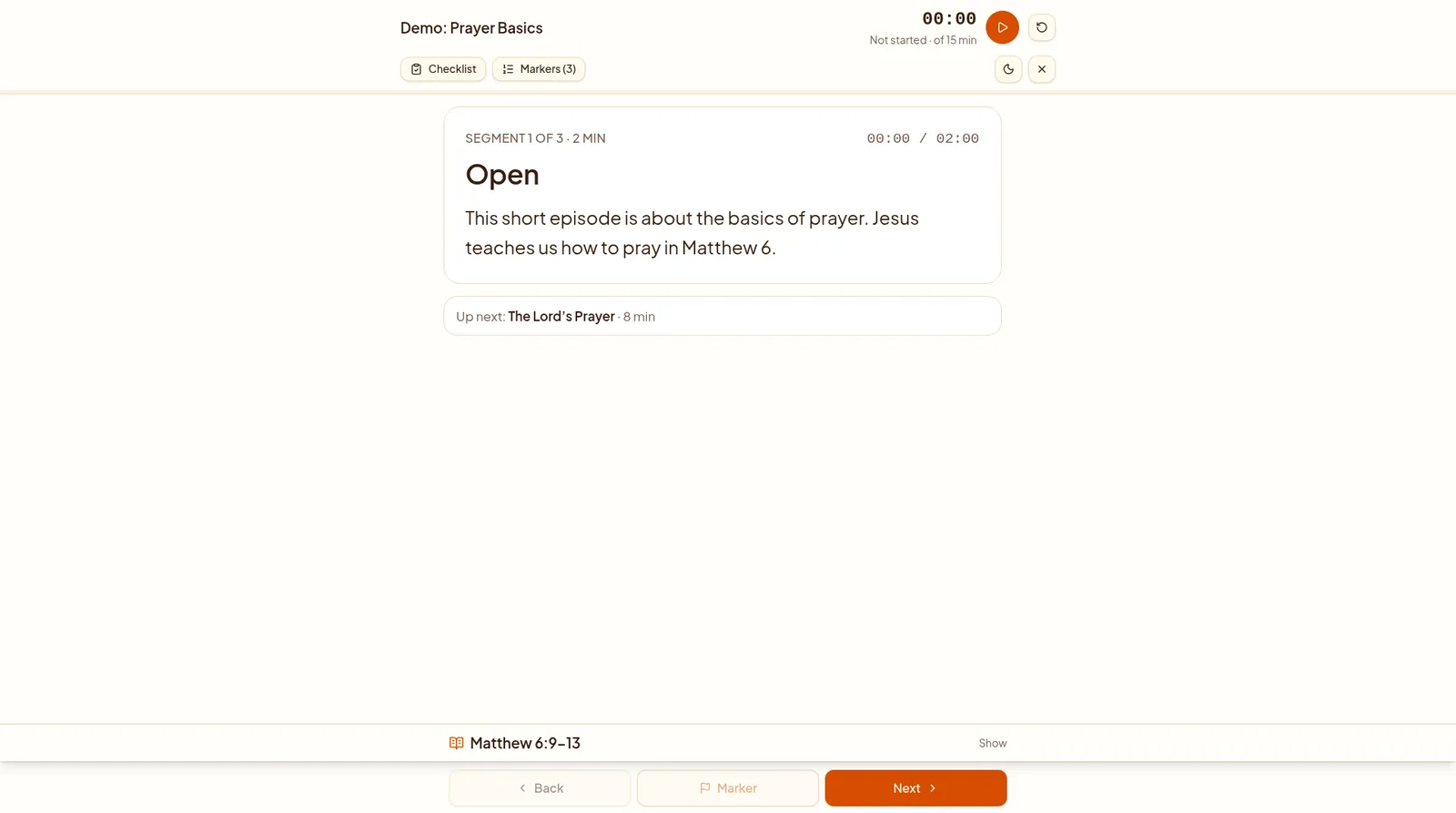
Podcast Mode with a fictional demo episode, one segment at a time.
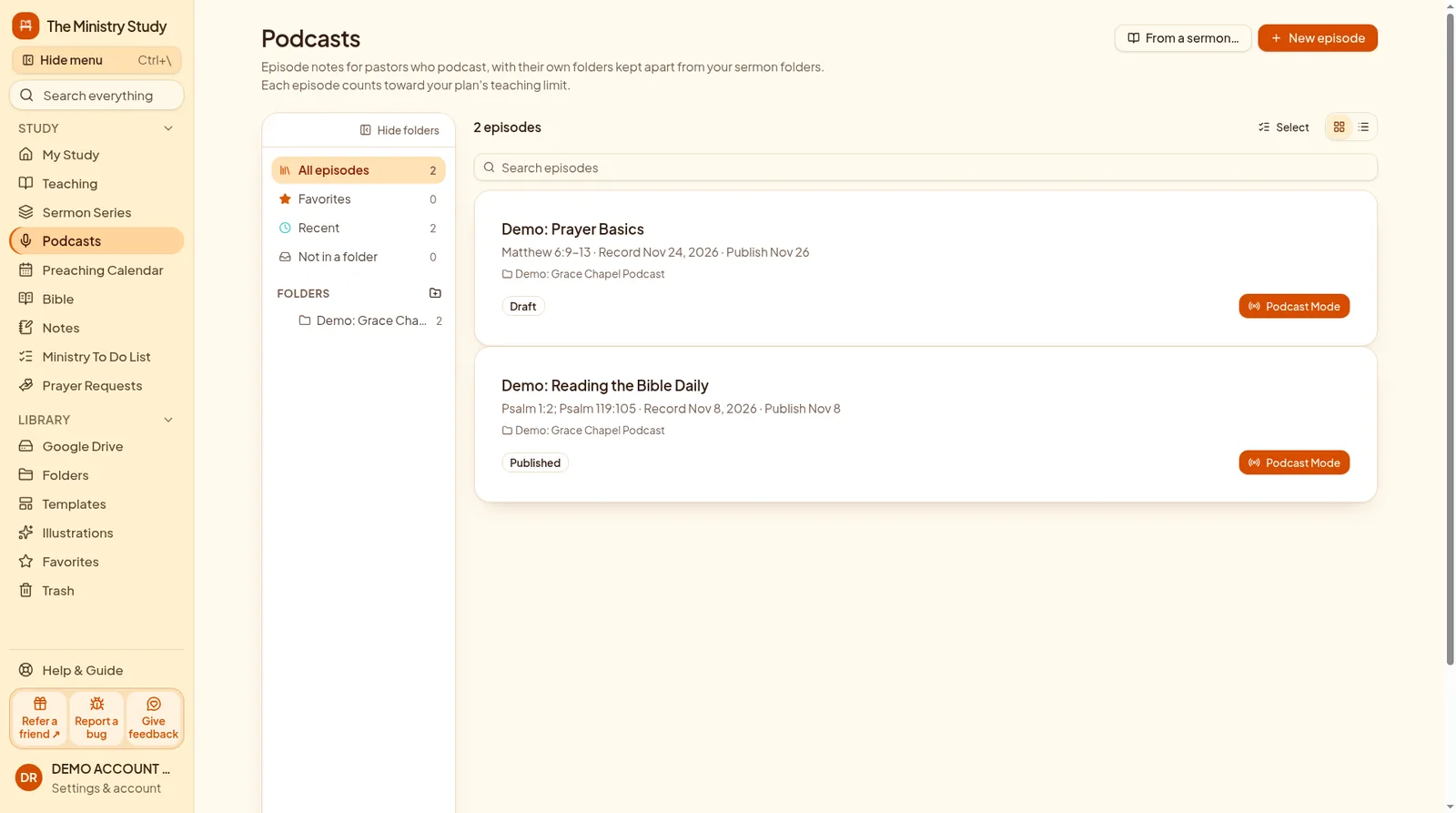
Podcast-only folders, separate from sermon folders, with fictional demo episodes.
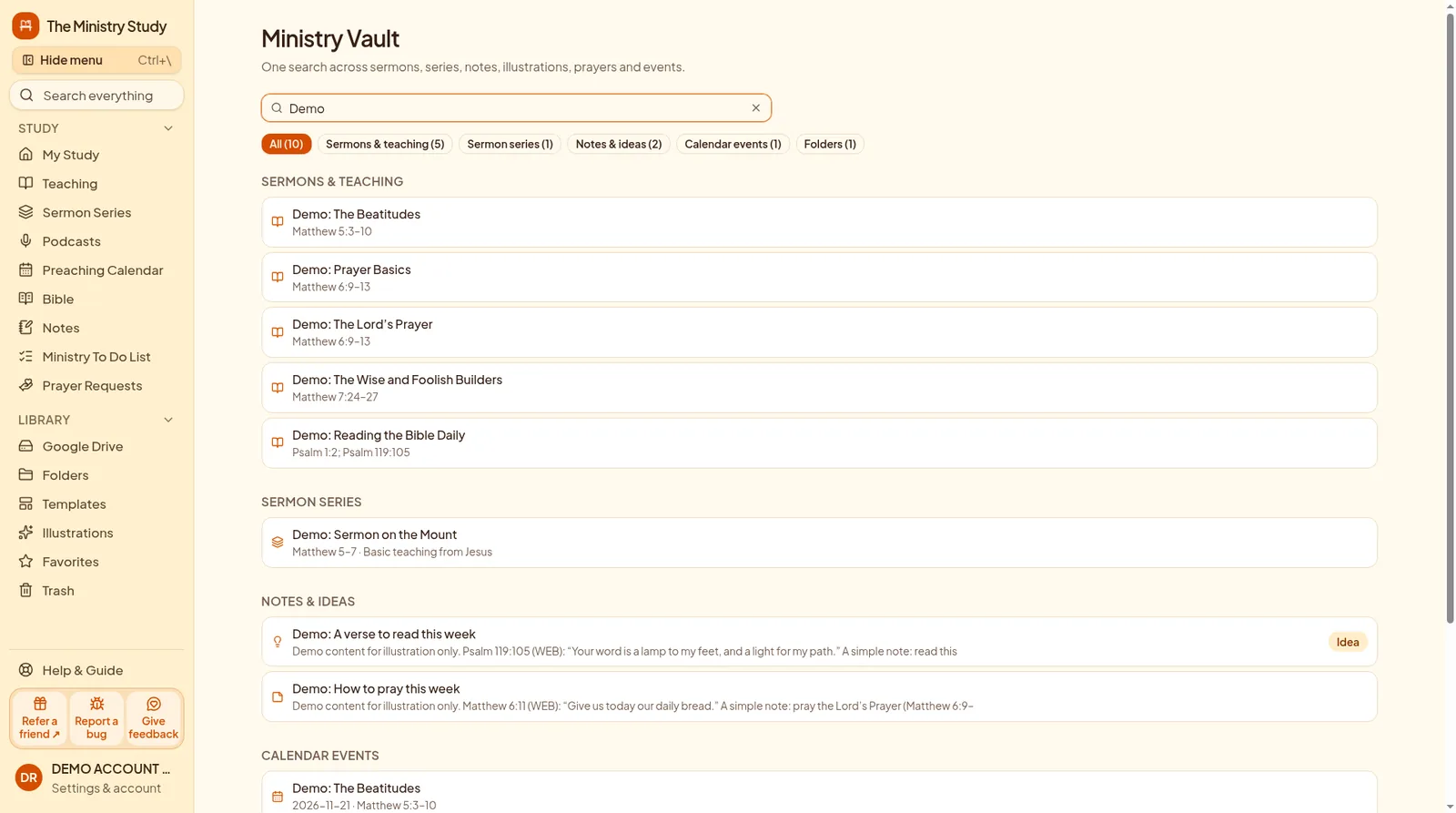
Ministry Vault search with Import back on a moved item, using fictional demo content.
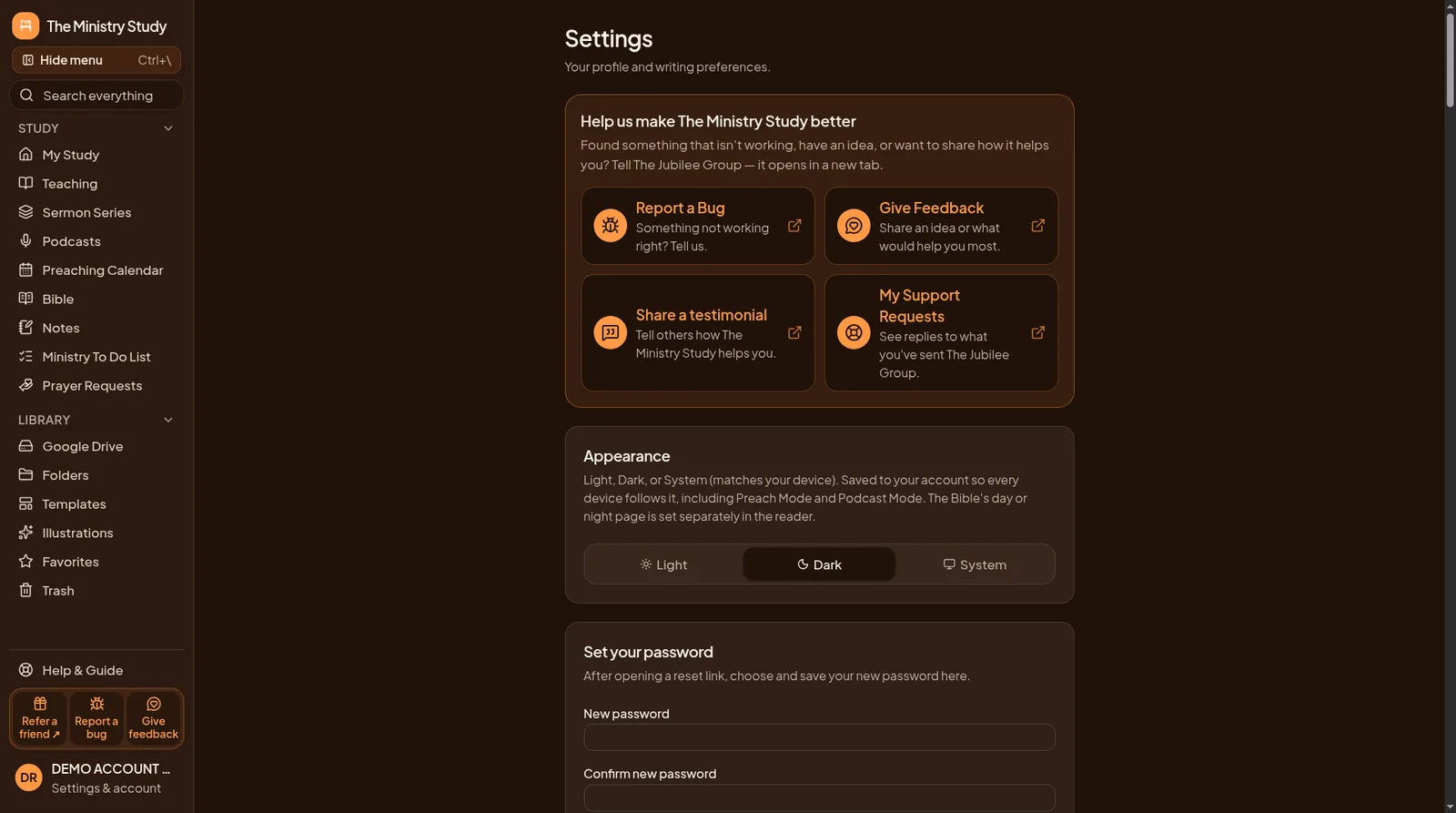
Settings with the dark appearance turned on, in a fictional demo account.
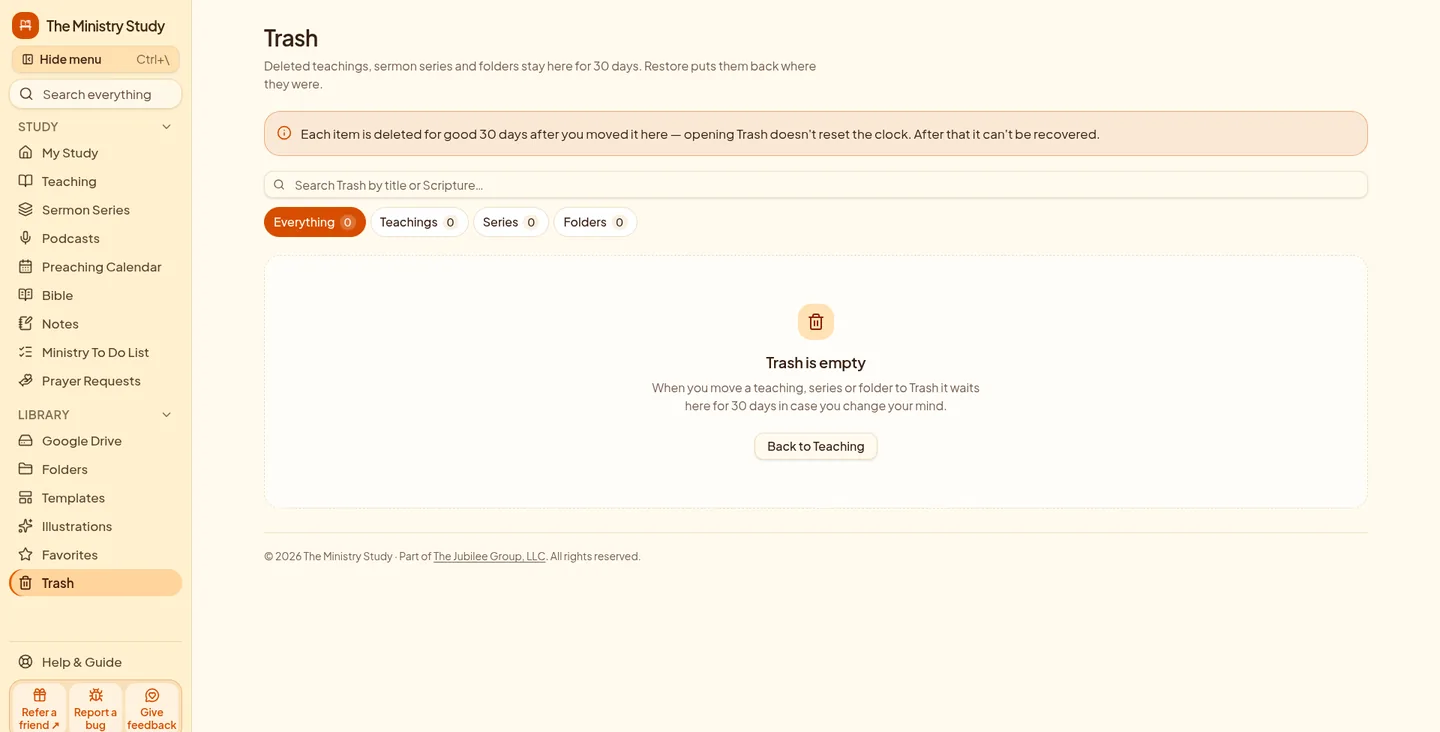
Deleted teachings, series and folders wait in Trash, ready to restore.
Pick monthly or yearly below. Both include a 14-day free trial, no credit card needed to start.
Use email or Google. You go straight to secure Stripe checkout for the plan you picked, with no second Subscribe click.
After checkout you land in The Ministry Study, already signed in with your Jubilee account.
New pastors connect their own Google Drive right away. Sermons copy to folders that match Teaching, podcast episodes to their own Podcasts folders, and Word/CSV downloads always keep working.
Telling a friend? Send them to this page: they choose Monthly or Yearly, create a Jubilee account, go straight to checkout, then land in the app to connect Google Drive. thejubileegroupllc.com/products/the-ministry-study
The same preparation tools on either plan. Choose the billing rhythm that fits. All prices in USD.
The code is checked again when you subscribe. If it can't be used, checkout continues at the regular price.
$249.00/year
14-day free trial, no credit card needed to start
Save $110.88 a year (about $20.75/month)
By subscribing, you agree to the Terms and Subscription & Refund Policy.
$29.99/month
14-day free trial, no credit card needed to start
By subscribing, you agree to the Terms and Subscription & Refund Policy.
Our Price-Lock Promise: As long as you maintain an active, uninterrupted subscription, your subscription price stays the same, even if we increase prices for new customers. See our Subscription Policy for complete terms.
Refunds: your first subscription payment can be refunded within 7 calendar days. Renewals are not refundable.
Also included in Jubilee Group All Access.
The 14-day free trial is for anyone and needs no credit card. The beta program is separate and approval-only: apply at thejubileegroupllc.com/beta, and if Aaron approves you get 30 days of The Ministry Study as a beta tester. When it ends you can subscribe ($29.99/month or $249/year, or All Access) or ask for more time.
No. The Ministry Study describes itself as an AI-free workspace: your study, discernment and words remain yours.
No. Its website also describes tools for Bible teachers, small-group leaders, Sunday-school teachers, youth leaders and ministry keynote speakers.
The product supports phone, tablet and laptop access. Save supported content for offline use before you preach; not every feature is described as available offline.
Yes. New pastors connect it right away; existing pastors get 15 days’ notice. Downloads always work.
Sermons with full text, notes, illustrations and pictures, in folders that match Teaching, plus podcast episodes in their own Podcasts folders. Only when a study is over 250 MB, items untouched for 90 days move after a checked copy and a 7-day wait. Unpublished or upcoming episodes, scheduled sermons, favorites and Keep Active items stay in the app.
Yes. Use Import back on the item’s shadow or from Ministry Vault search. Until then it can’t be word-searched or preached.
The Ministry Study is its own app, billed and signed in through your Jubilee Group account. After you subscribe, open The Ministry Study and sign in with the same Jubilee Group account.
The Ministry Study, with billing managed by The Jubilee Group.